
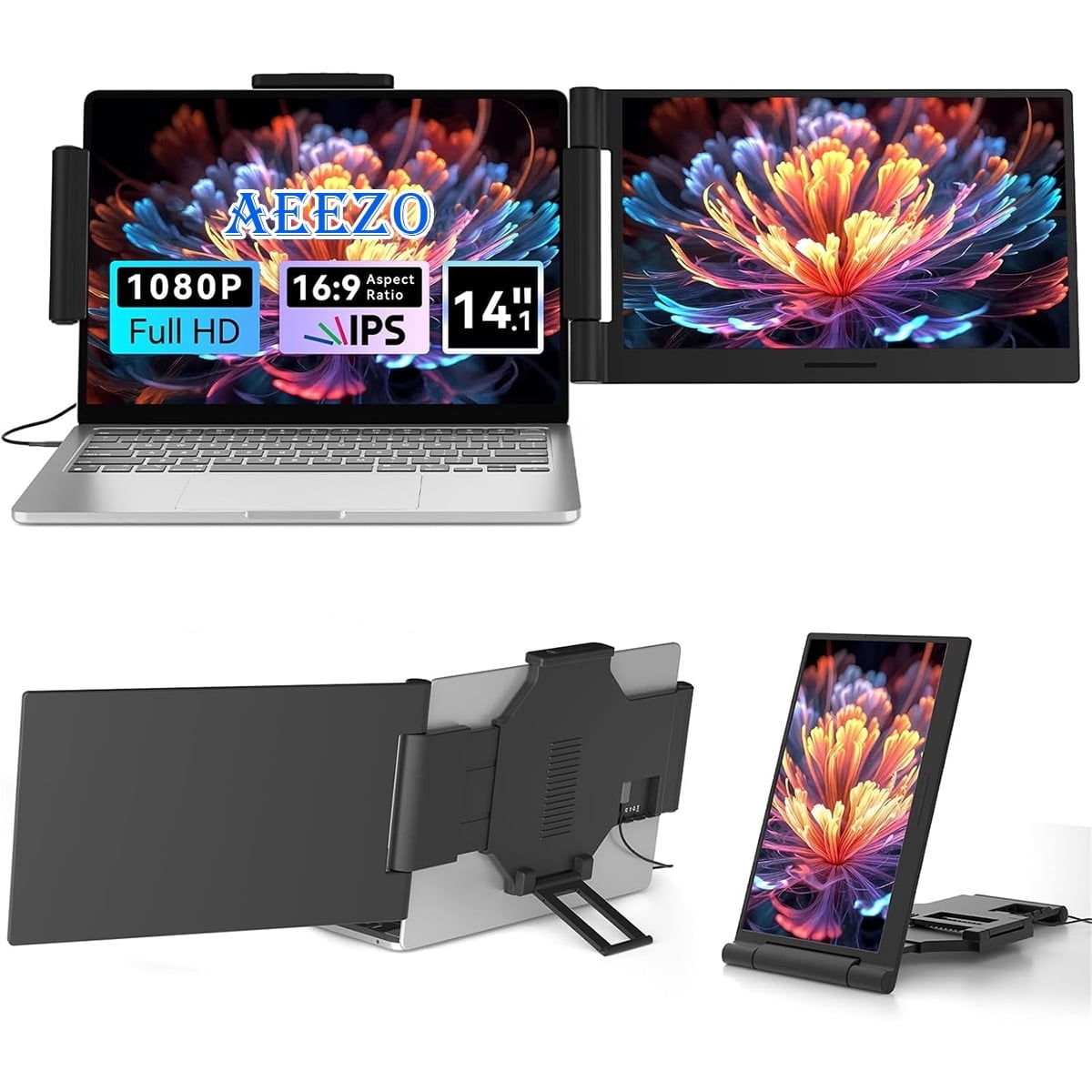
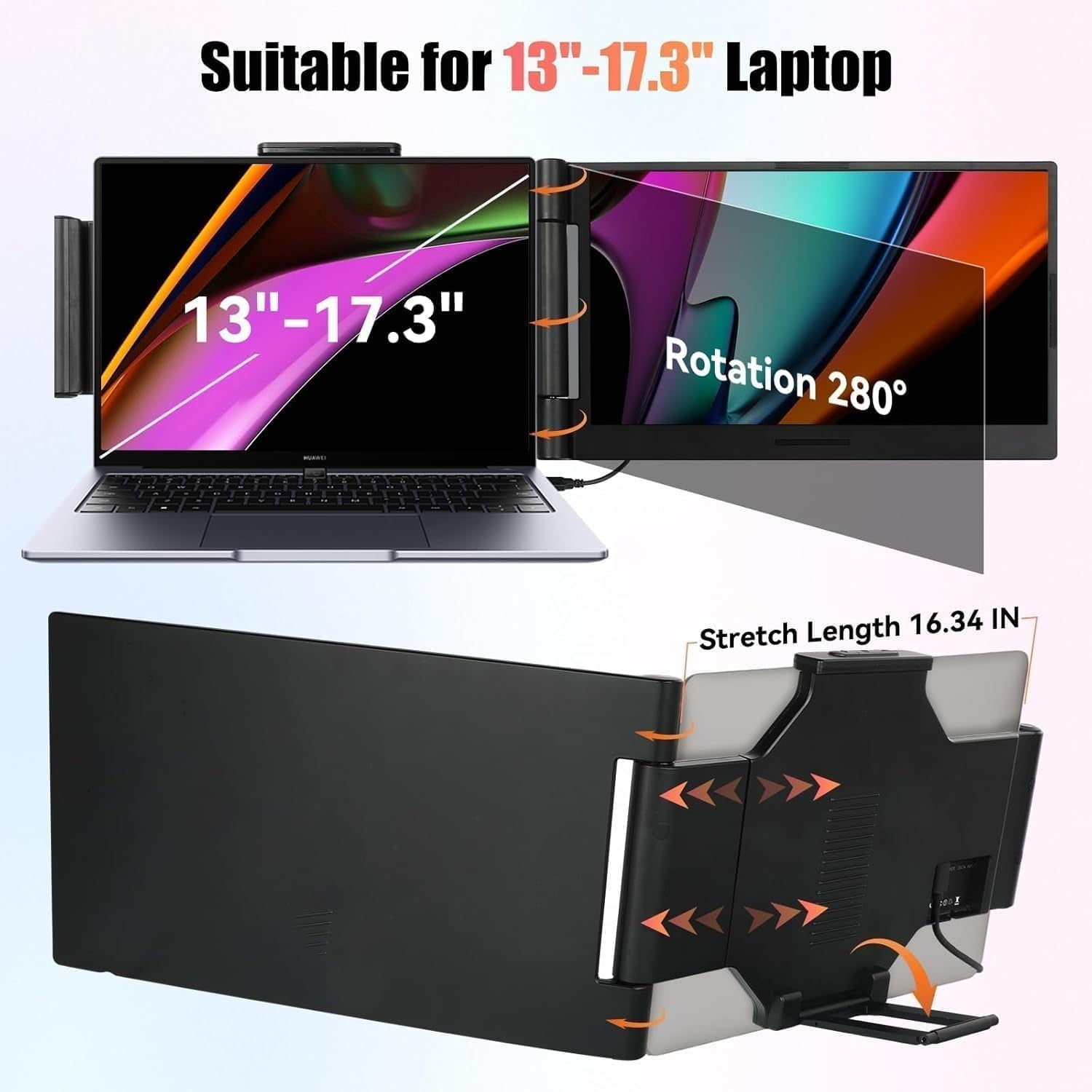
AEEZO 14" 1080P IPS Laptop Screen Extender | 280° Rotatable Portable Monitor, Plug & Play, Fits 13-17.3" Laptops, Compatible with Windows/Mac/Android/Chrome(Type-C/USB Interfaces, Requires DP)
Product details
| Management number | 230496196 | Release Date | 2026/06/18 | List Price | $36.00 | Model Number | 230496196 | ||
|---|---|---|---|---|---|---|---|---|---|
| Category | |||||||||
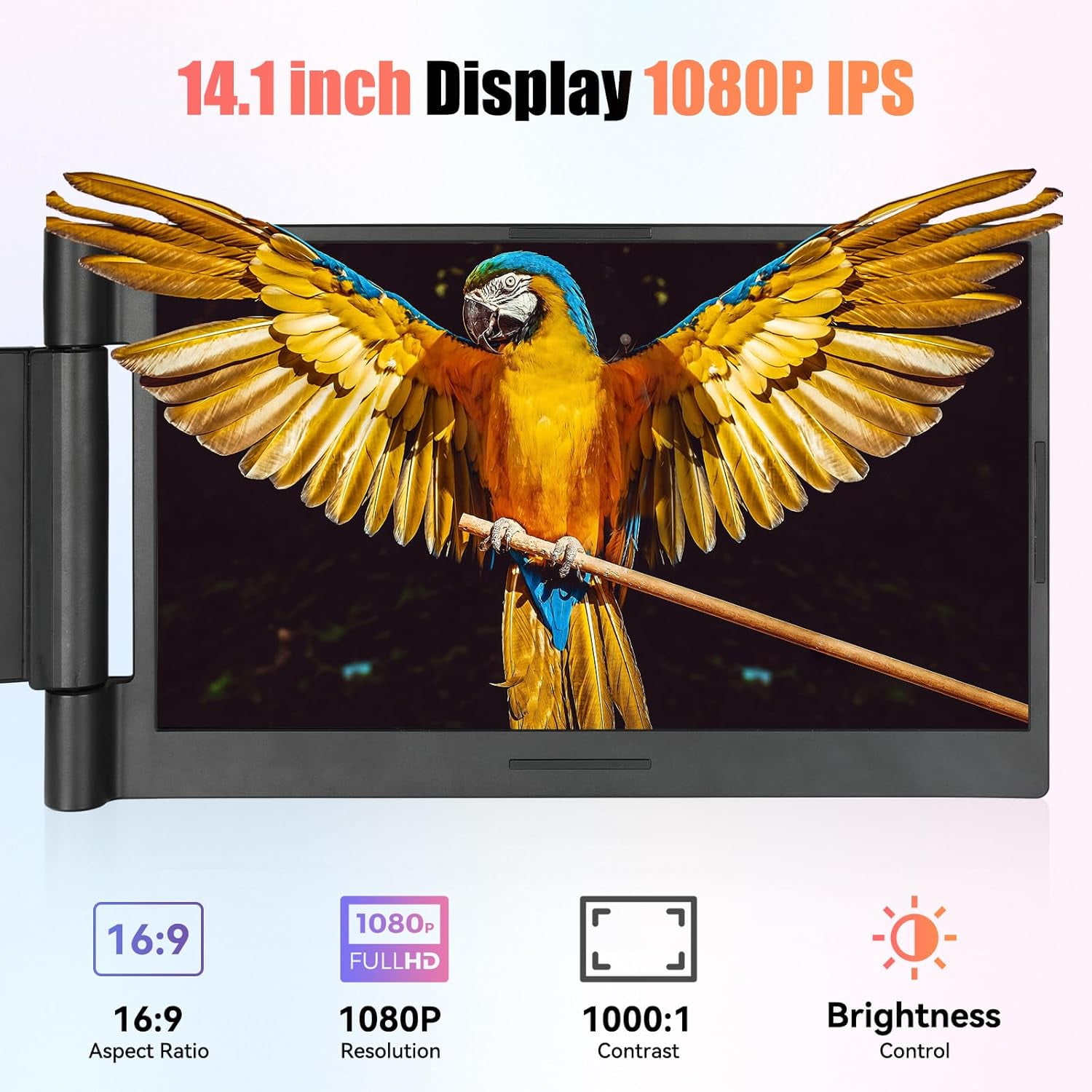
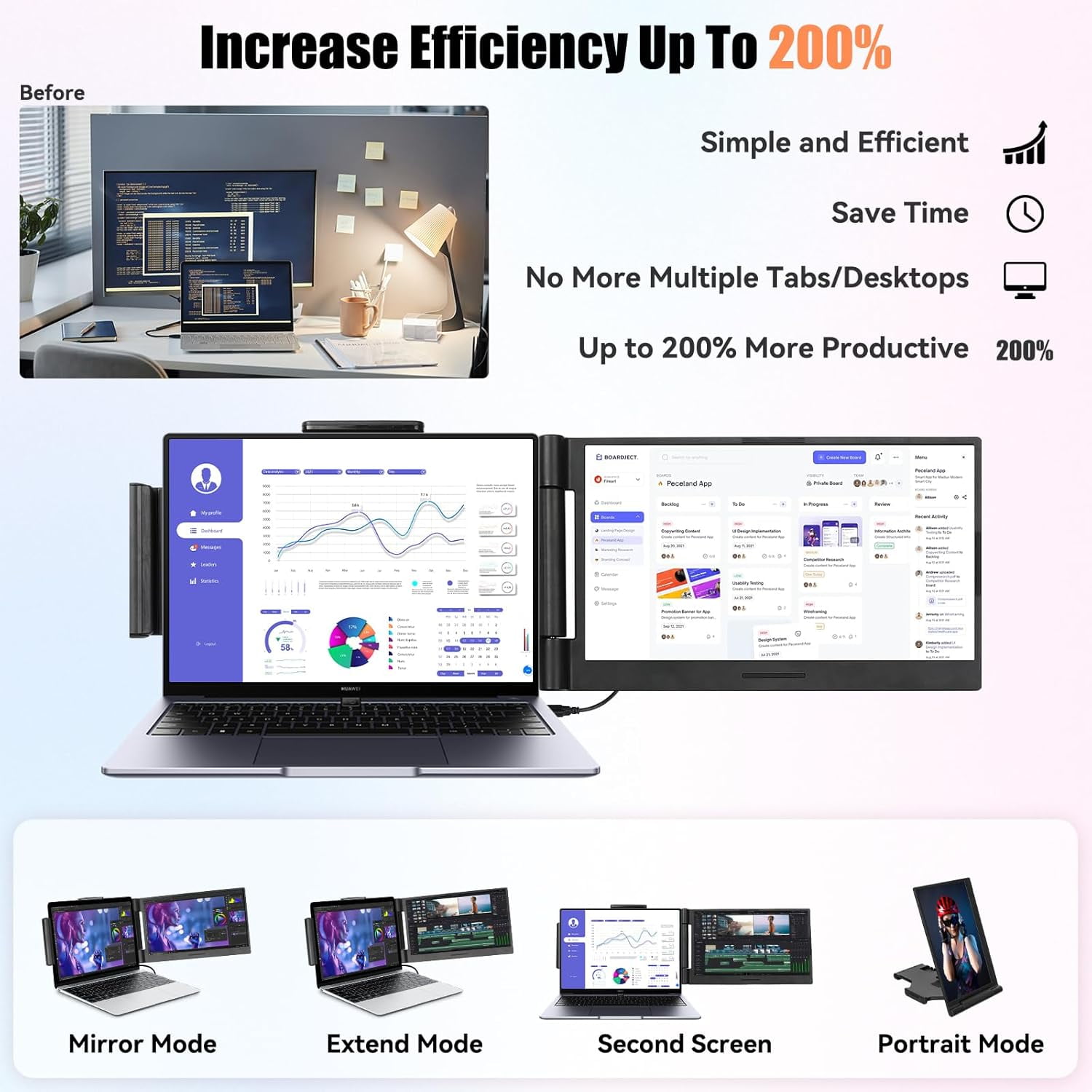
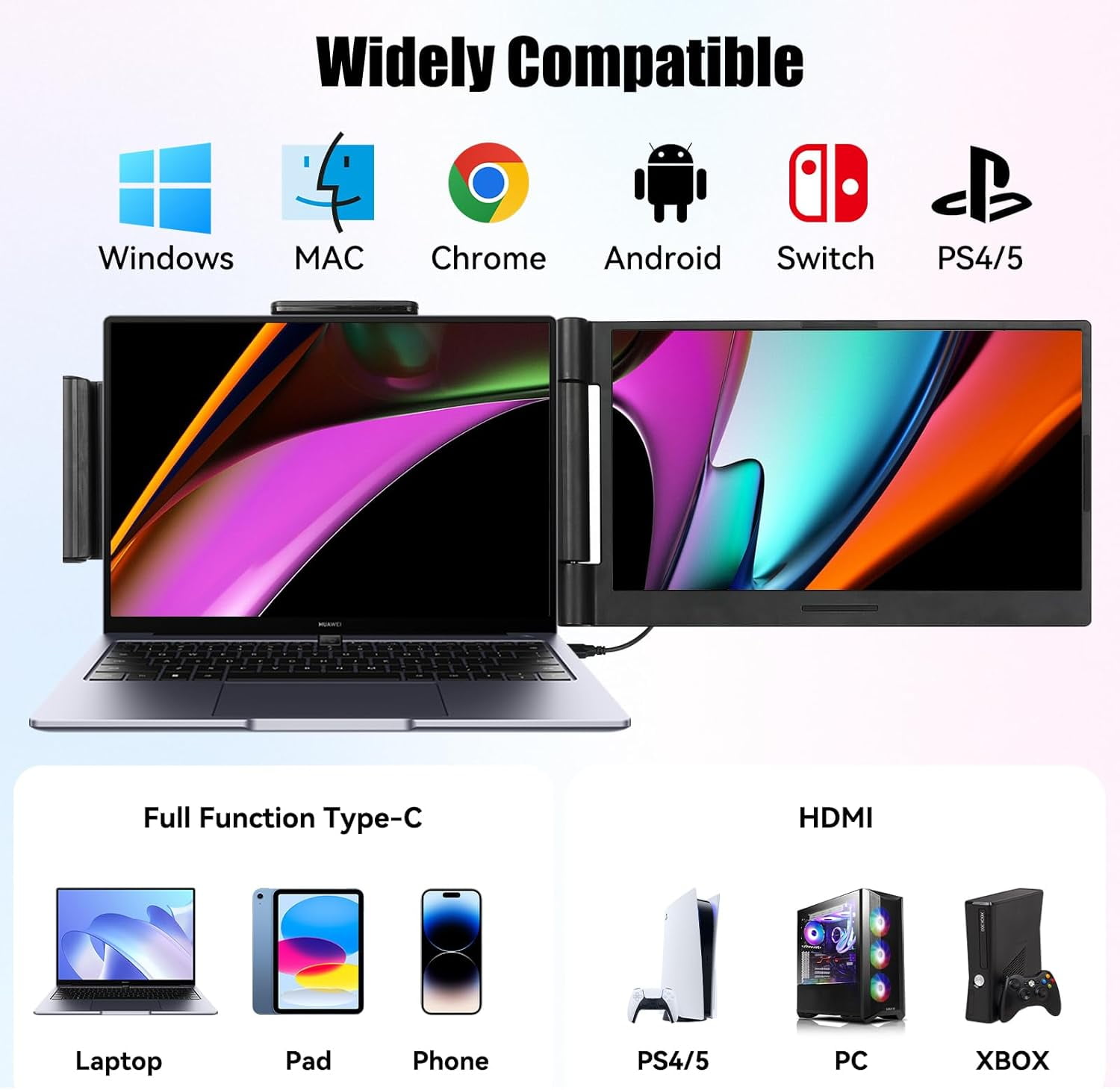
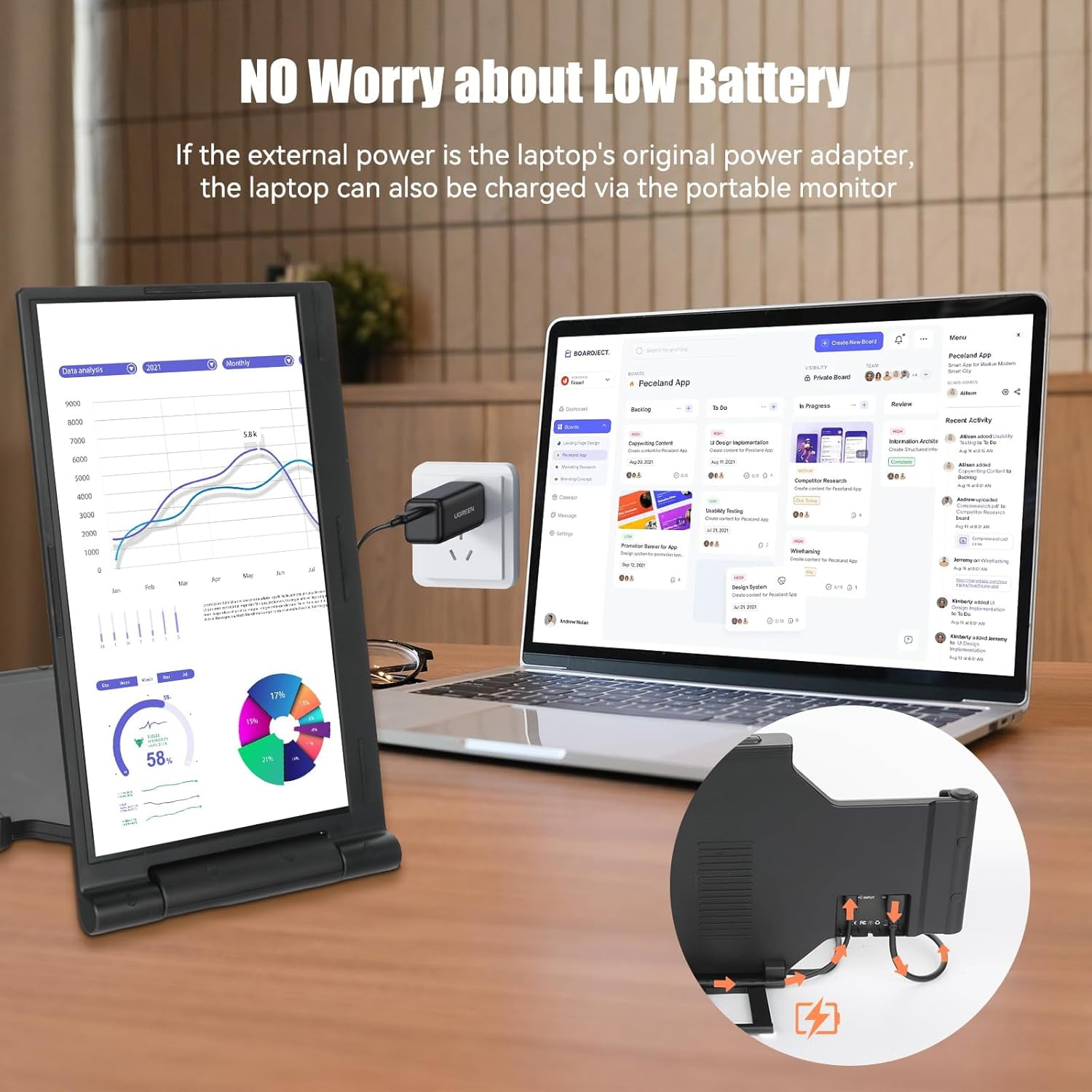
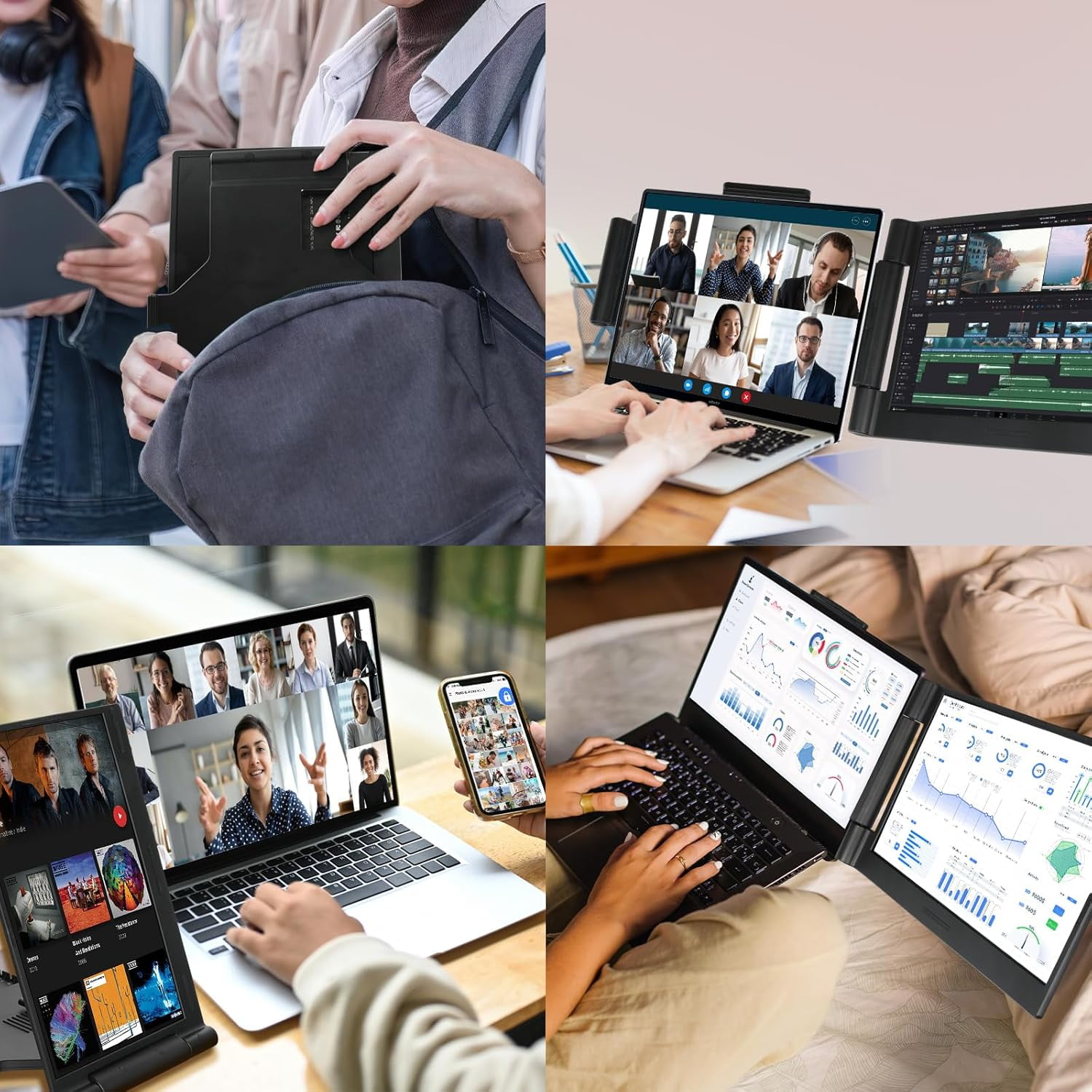
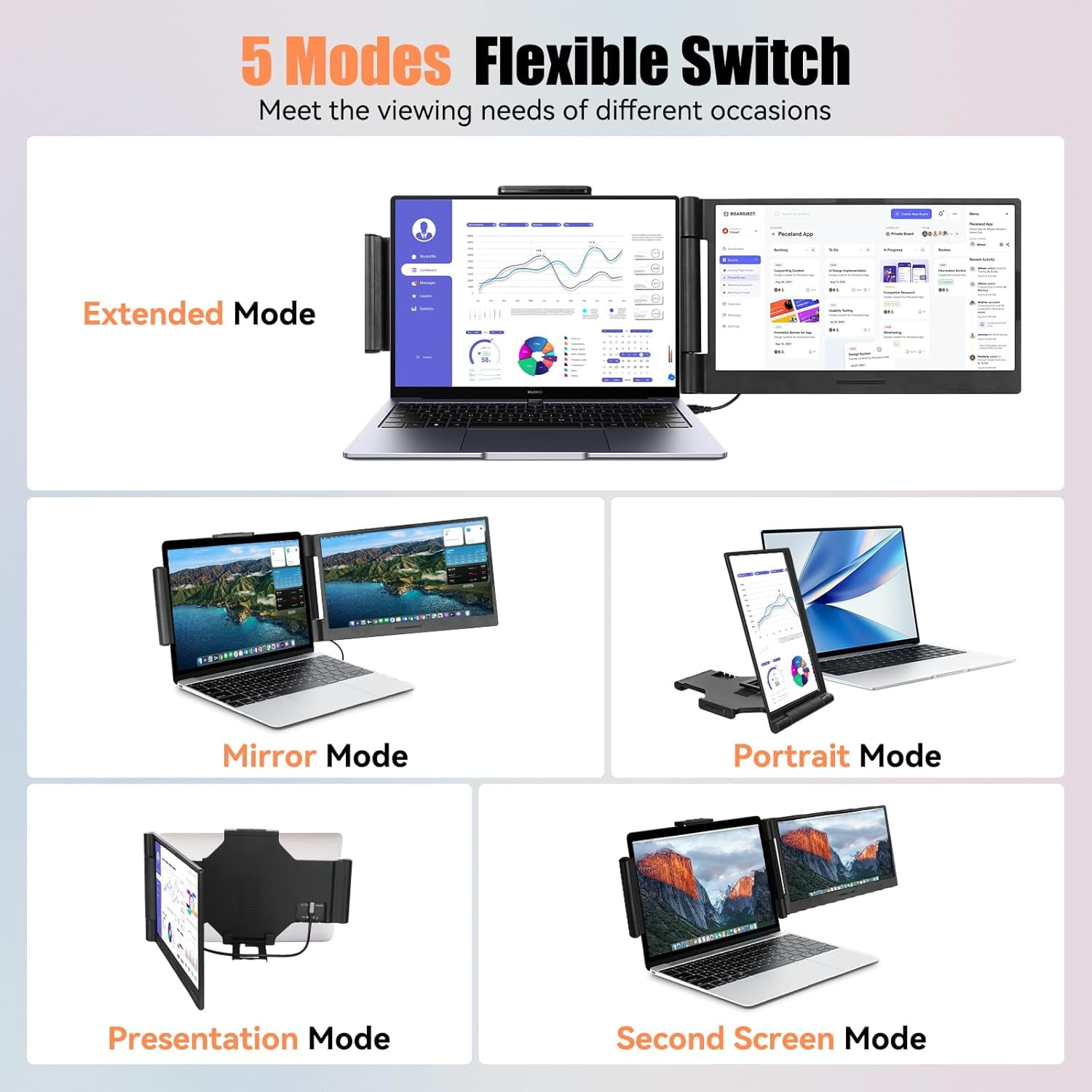
<p>Fits laptops: from 10 inch to 17 inch. Wide Compatibility:Operating System: Windows, Linxu, M1 Pro/Max, M2 Pro/Max, M3 Pro/Max, Chrome, Linxu, Android. Available devices: laptops,Xbox, Switch, Type-C phones.Backlight type:W-LEDDimension:350x260x26mmPacking Include:USB-A to USB-C Cable*1,Dual USB-C Cable*2,DC Charger*1,U Disk (With Driver Program)*1,User Manual*1. Increase Work Efficiency up to 300% & Save Time : AEEZO laptop screen extender Full HD display lets you get more done at home or in the office with its thin bezel, vivid display, and all-purpose ports. IPS Panel & FHD 1920 x 1080P and more configurations: With 14” IPS, full HD 1920 x 1080 Pixels resolution,16:9 aspect ratio,300 nit brightness,60Hz refresh rate, 72% NTSC color gamu 1: 1000 contrast as well as the 16.7 Million display color, the laptop monitor delivers vibrant colors and a wide field of vision,you can immersive yourself in video editing,webcasting,app development,remote job,graphic design,etc. Wide range of uses and applications : Business trip,video conference,meeting,software programming,gaming, etc. Portable & Convenient : The folding characteristic makes it easy to carry for remote work or travels at anytime, anywhere. With its sleek design and simple tilt function, you can smoothly position this portable monitor to meet your mixed work needs.</p>
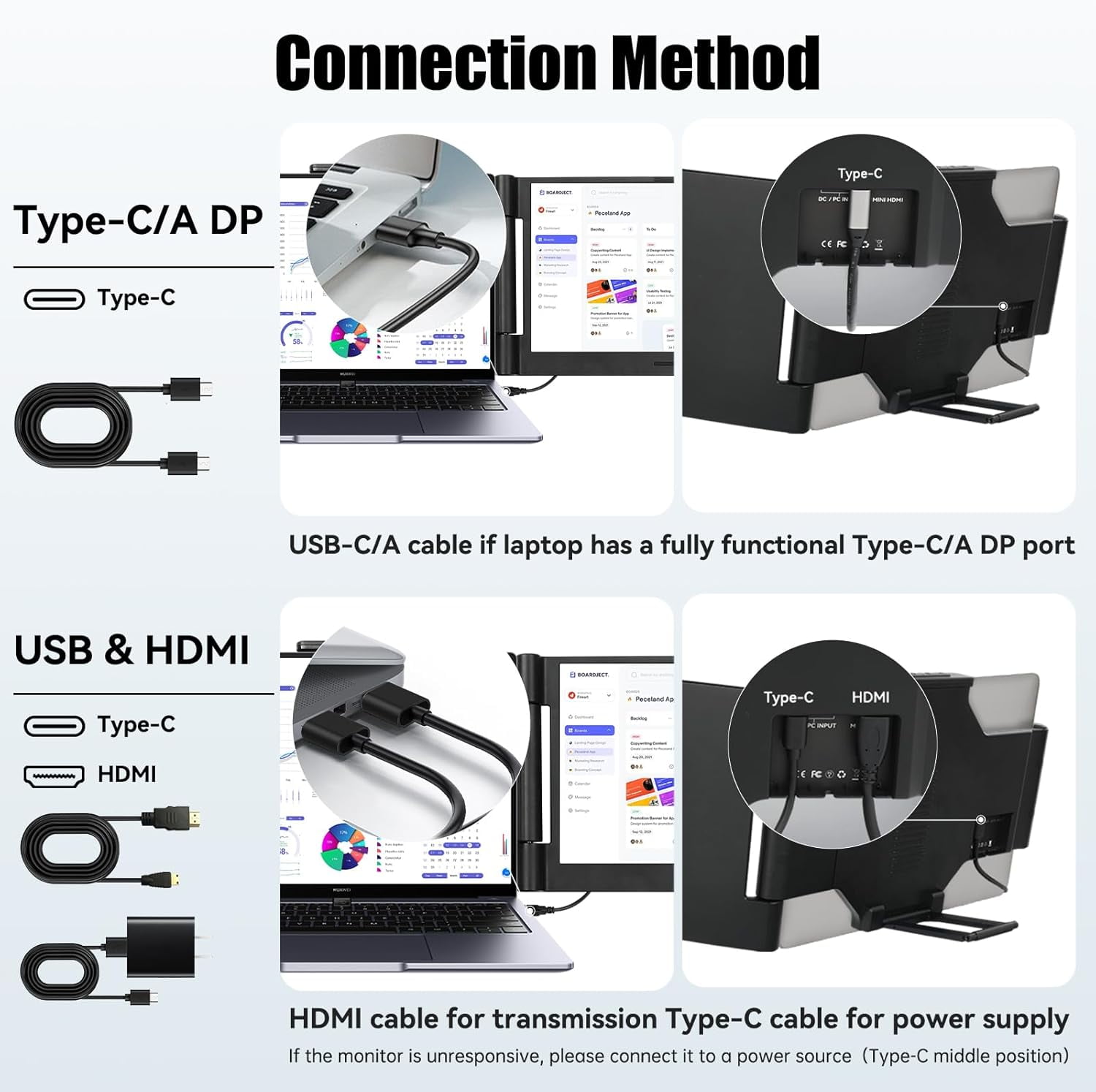
- For dual-screen setup: The computer must have HDMI. Additionally, the Type-C USB must support DP function; otherwise, no display. Only with both HDMI and Type-C USB (DP) can both screens display.For single-screen setup: The computer must have HDMI or a Type-C USB supporting DP function. Only with either HDMI or Type-C USB (DP) can the screen display.
- For single-screen setup: The computer must have HDMI or a Type-C USB supporting DP function. Only with either HDMI or Type-C USB (DP) can the screen display.
- ENHANCE YOUR DAILY PRODUCTIVITY - With a Full HD display and multi-function ports, this laptop screen extender lets you get more done at home or in the office thanks to its superior visual performance.
- FULL DISPLAY - The screen of this laptop screen extender is enhanced in color saturation, brightness and clarity to deliver exceptional richness for photos, videos and work.
- SUITABLE FUNCTIONAL CONFIGURATION - The sleek design and angle-adjustable screen allow you to position this monitor to suit your mixed work needs
- LAPTOP CONFIGURATION REQUIREMENTS - Using this laptop screen extender requires that your laptop must have 1 USB C port (Full Function) or 1 Thunderbolt port, otherwise it will not work.
- SUSTAINABLE DESIGN - This laptop monitor extender is made of recyclable plastic, 100% of the packaging is recyclable and very environmentally friendly.
- I.Please note:1.Driver installation steps (for Windows + Mac) in the User Manual:2.Practical operation interface for driver installation:3.WindowsFirst step: Insert the USB flash drive and open the Windows folder.Second step: Select the.exe driver corresponding to the language.The instruction manual contains the driver installation instructions and system setting instructions for the Windows system.4.MacFirst step: Insert the USB flash drive and open the Mac folder.Second step: Select the.pkg driver.The attached USB flash drive has a built-in Mac driver installation video and instruction manual.1. MACTeaching video.mp42. MAC teaching.pdfNote: The second-generation product has undergone technological iteration to achieve driver-free installation.Mac Connection assembly:II. About the short connection cable:1.There are 2 Type-C to Type-C data cables included in the accessory box. 1. The length of the data cable is 100 cm.III. Solutions to the problem of no display after installing the driver and making the connection1.Check whether the connection cable is properly connected.2.If the dual-display screen shows "no signal", please perform the system settings according to the instruction manual.
| Native resolution | 1920*1080 |
|---|---|
| Screen size | 14.1 in |
| Assembled product weight | 2.33 lb |
| Assembled product dimensions (l x w x h) | 14.05 x 1.52 x 8.15 Inches |
| Accessories | cable*1 |
| Has written warranty | No |
| Brand | AEEZO |
Bestseller ranking
Computers


Customers who viewed this product also viewed
Magic


Correction of product information
If you notice any omissions or errors in the product information on this page, please use the correction request form below.
Correction Request Form